You do not need a computer or expensive software to edit UGC videos. These are the best apps for editing UGC videos on your phone, with honest pros and cons for each.
You are a new UGC creator and you are staring at a raw clip wondering what to do with it. The good news is that you do not need to learn professional video editing software. Most UGC videos are edited entirely on a phone in under 30 minutes, and brands genuinely prefer it that way. Over-edited UGC loses the quality that makes it effective in the first place, its authenticity. The goal is not to make your video look produced. The goal is to make it look like a real person made it, because that is exactly what you are.
CapCut: the default choice for most UGC creators
CapCut is the most widely used editing app in the UGC creator community. It is free, runs smoothly on most Android and iOS devices, and has all the features you actually need without overwhelming you with ones you do not.
The feature that matters most for UGC specifically is auto-captions. Subtitles are not optional for UGC videos going into paid ads, they are essential. A significant proportion of viewers on TikTok and Instagram watch with the sound off, particularly in public spaces. If your hook lands in the first three seconds of audio and the viewer has their phone muted, you have already lost them. Auto-captions fix that problem in seconds.
Beyond captions, CapCut has a solid library of templates, basic colour correction tools, text overlays, and transitions, more than enough for the level of editing UGC requires. The main limitation of the free version is occasional watermarks on certain exports and some features locked behind the paid tier. For most beginners, the free version is more than adequate.
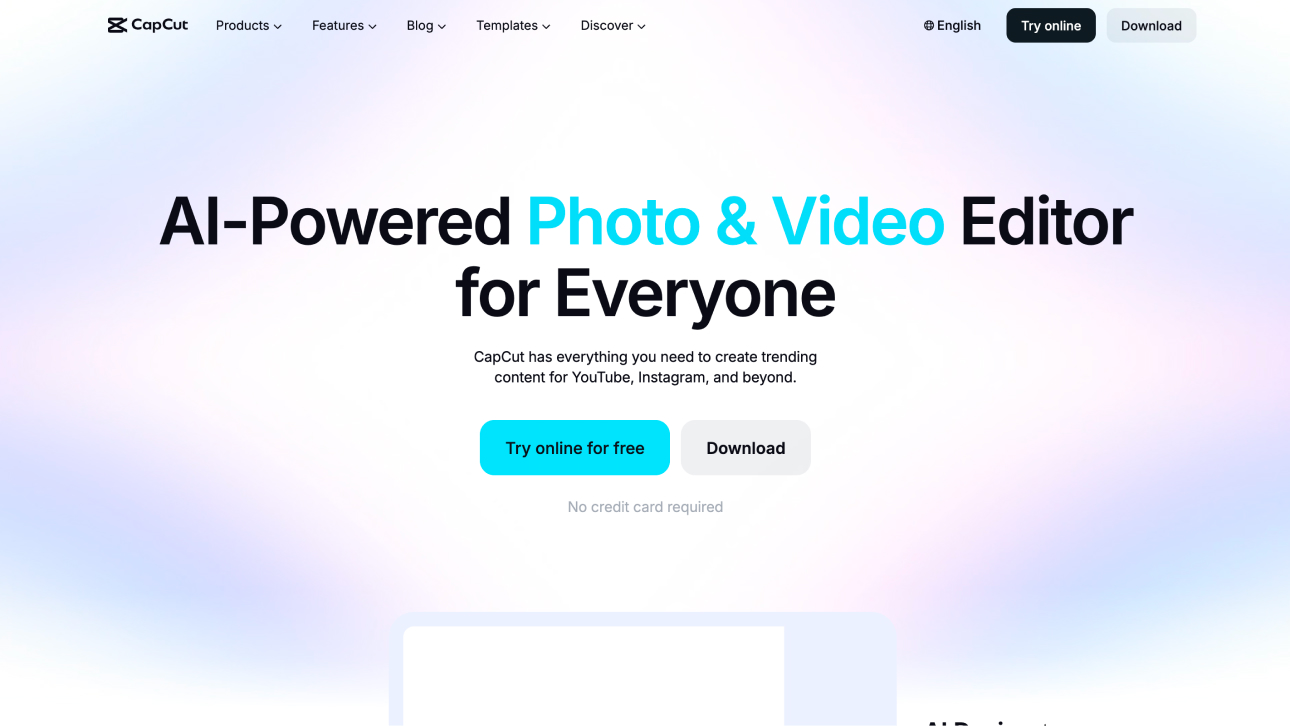
CapCut: Free video editing app with AI features, auto-captions, and templates. Screenshot: CapCut (capcut.com)
TikTok: underrated and already on your phone
Most UGC creators overlook TikTok as an editing tool because they think of it purely as a publishing platform. But TikTok's built-in video editor is genuinely powerful and specifically optimised for the kind of short-form content that performs well in UGC ads.
TikTok's editor has auto-captions, a growing library of sound effects and music, text tools, and an intuitive timeline that makes cutting and trimming fast and easy. Because TikTok's algorithm has processed billions of videos, the platform's editing interface is designed around formats and structures it knows perform well. The particular advantage of editing natively in TikTok is that it removes the friction of importing and exporting files between apps. If your UGC deliverable is a TikTok-format video, editing it directly in TikTok and saving the draft before posting gives you a finished file already optimised for the platform's specifications.
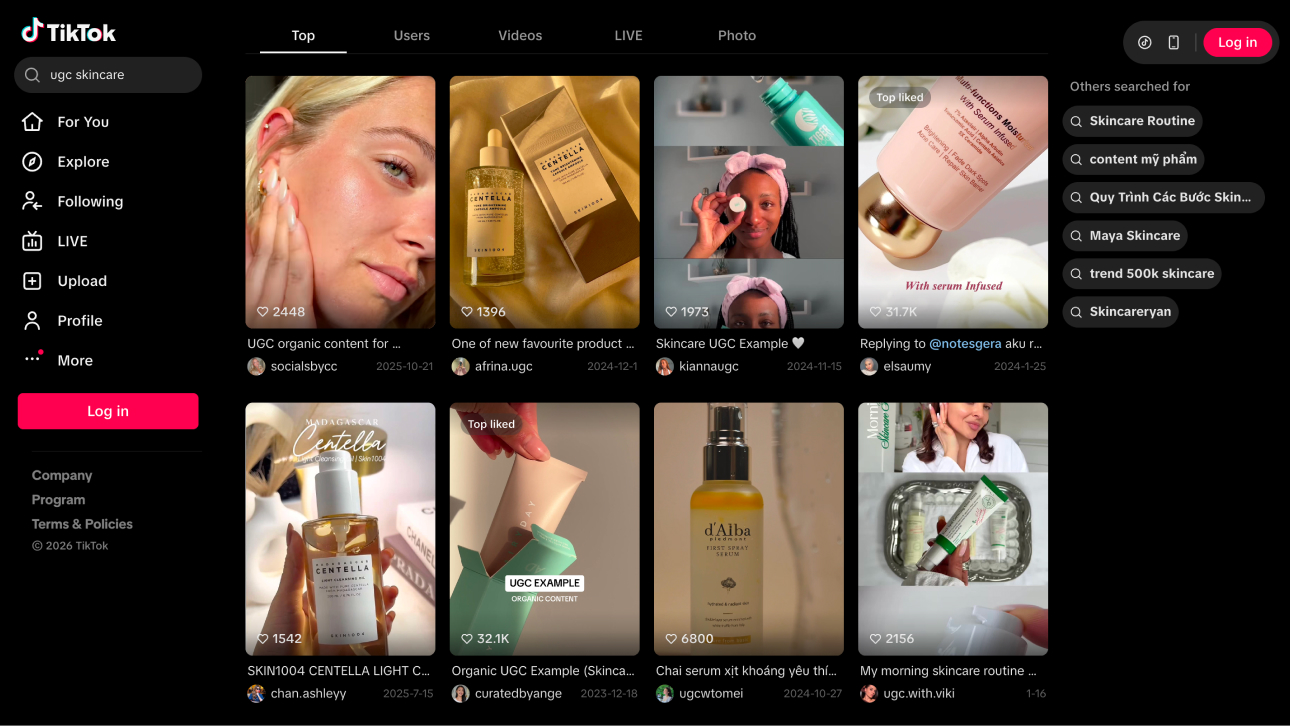
TikTok's editor has auto-captions, a growing library of sound effects and music, text tools, and an intuitive timeline that makes cutting and trimming fast and easy.
Instagram: more powerful than most creators realise
Instagram has significantly improved its native video editing tools in recent years, and it is now a genuine option for editing UGC content, particularly if the final deliverable is intended for Instagram Reels or Meta ads.
Instagram's editor includes text overlays, music, basic trimming, and some filter options. It is not as feature-rich as CapCut, but for simple UGC edits where the priority is cutting to the right length, adding captions, and adding a music bed, it gets the job done without requiring you to leave the platform. The main advantage of editing directly in Instagram is that what you see in the editor is exactly what the viewer will see, there is no guesswork about how the video will render once it goes through the platform's compression.
Instagram's editor includes text overlays, music, basic trimming, and some filter options.
VN Editor: the best free alternative to CapCut
VN (Video Ninja) is the most recommended alternative to CapCut among UGC creators, particularly for those who find CapCut's interface slightly overwhelming or who want a cleaner, more focused editing experience.
The single biggest practical advantage of VN is that the free version has no watermark. For creators just starting out who do not want to commit to a paid subscription, this is significant, you can deliver professional-looking content to brands without any visible branding from the editing app. VN's timeline is intuitive, its multi-track editing is clean, and the app handles layering music, voiceover, and text simultaneously without becoming confusing.
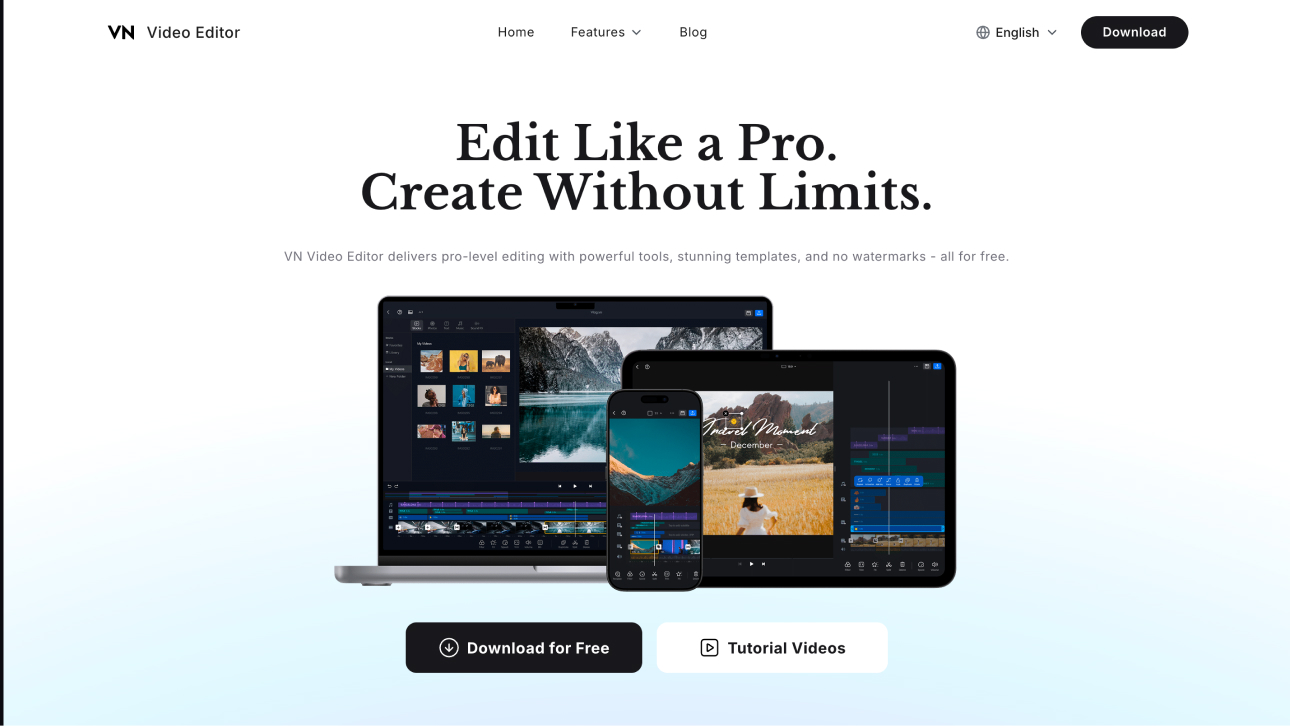
VN (Video Ninja) is the most recommended alternative to CapCut among UGC creators.
What to actually focus on when editing
The app you choose matters less than knowing what you are trying to achieve. Cut everything before the hook lands. If your opening line is the hook, it should be the very first thing the viewer hears, any footage of you adjusting the camera, breathing in before you speak, or taking a moment to think should be cut completely.
Add subtitles on every single video. This is not optional for content going into paid ads. Use CapCut's auto-captions, check them for errors, and style them so they are readable without being distracting.
Cut dead air ruthlessly. Every pause where your energy drops, every hesitation that can be removed without affecting the flow, cut it. Pacing is one of the biggest differences between UGC that holds attention and UGC that gets skipped. And do not over-edit. Heavy transitions, dramatic colour grading, and layered effects all signal to the viewer's brain that they are watching something produced. For UGC, that is the opposite of what you want.
Case Study: Rachel Godfrey, London
Rachel was a new UGC creator based in London who started accepting paid briefs in early 2023. In her first few months, she was spending 3 to 4 hours editing every video because she was trying to make her content look as professional as possible, detailed colour grading, multiple transitions, animated text effects.
When a brand came back with feedback that her video felt 'too produced' and 'not authentic enough for our ad creative', she reconsidered her approach entirely. She stripped her editing back to the basics: CapCut for trimming, auto-captions, and a simple music bed. Nothing else. Her editing time dropped from 4 hours to 25 minutes per video. And the approval rate from brands went from roughly 40% of submitted videos being approved on first delivery to 85%.
Case Study: Rachel Godfrey, London